ProModel experts explain how to use statements in many of the following videos.
|
|
Multiple graphics can be assigned to one entity. Learn how you can change which graphic is displayed for that entity during simulation. |
|
What happens when you define multiple graphics to a static resource? |
|
This solution shows you how to change resource graphic in node logic. |
|
The speed at which the simulation starts is set to a default of 56%. You can overwrite this by entering some initialization logic. |
|
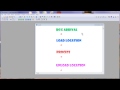
Attributes are not just for entities. Locations can have attributes too. |
|
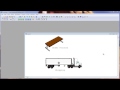
Learn how to use the LOAD and UNLOAD statements. |
|
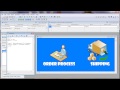
Learn how to use the ORDER statement from this simple example. |
|
Examine a simple example of the "while do" statement. |

|
© ProModel Corporation 556 East Technology Avenue • Orem, UT 84097 Support: 888-776-6633 |